How to Enroll in Ameritas Dental Online (Website Walkthrough)
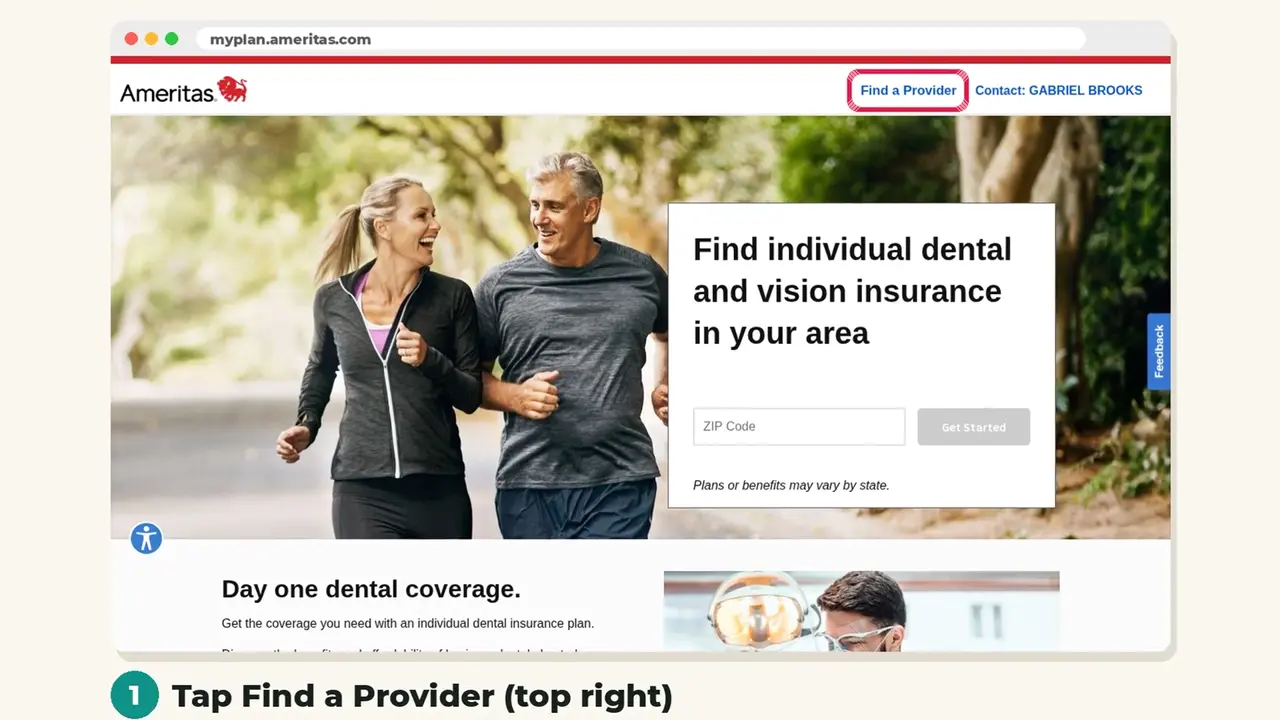
Enrolling online takes a few minutes. Here is every screen you will see on the Ameritas website, in order, so you know exactly what to tap.
 New video arrives Oct 31. See plans now →
Step by step
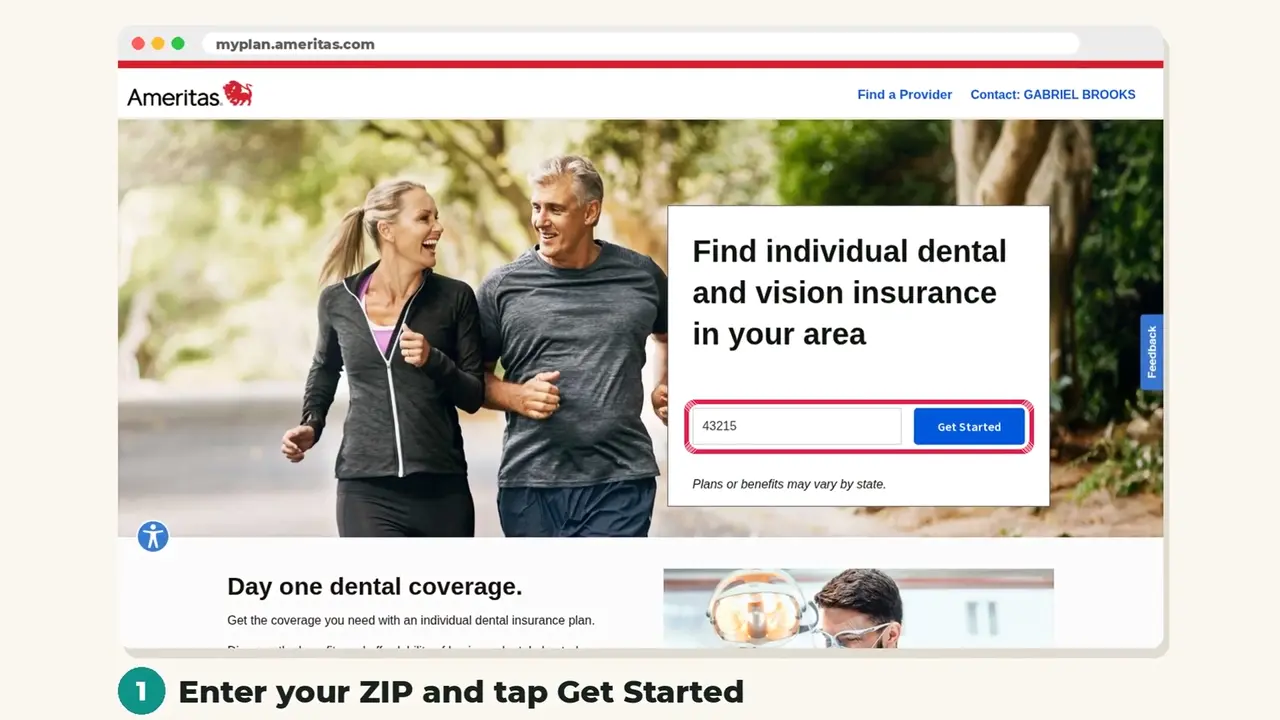
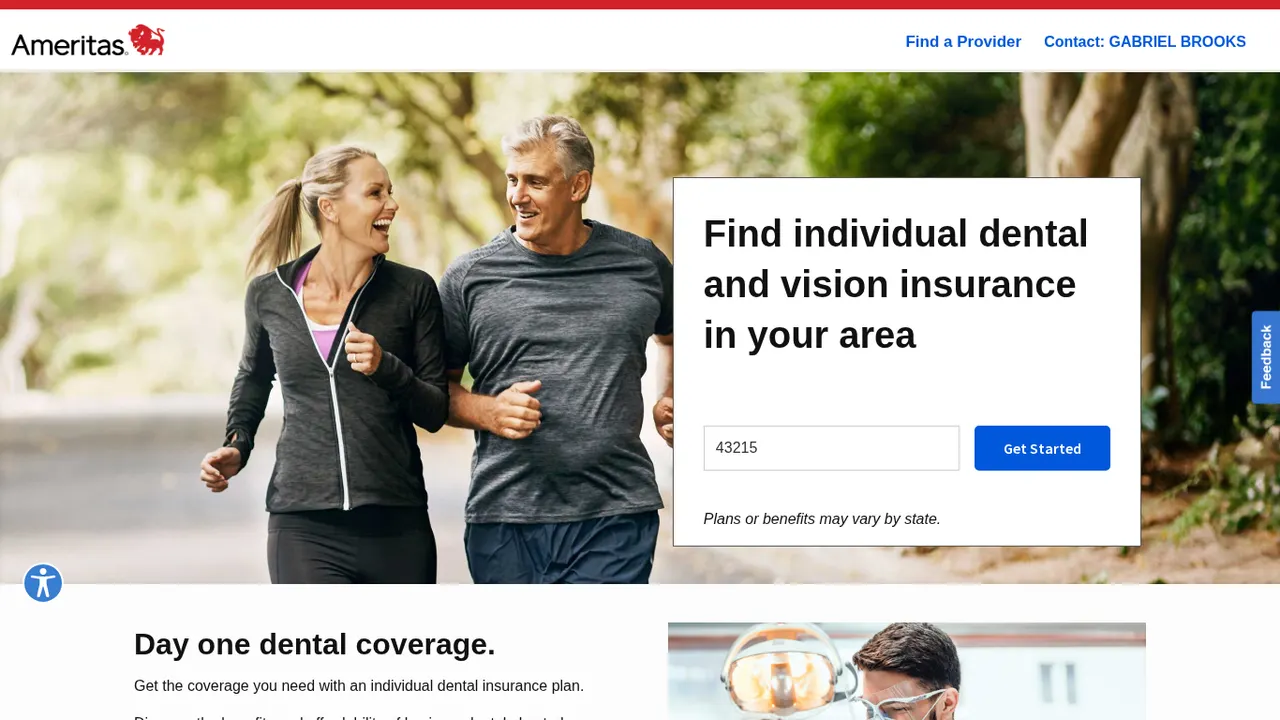
Step 1: Enter your ZIP code
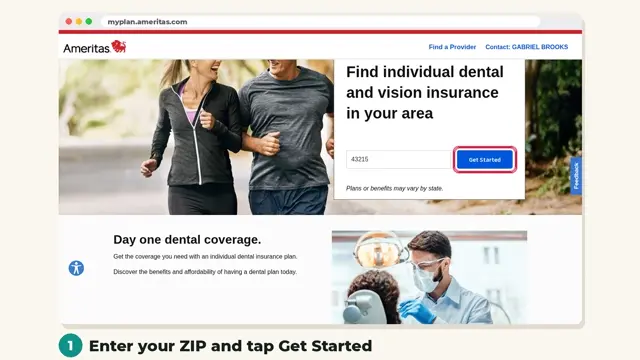
Open the enrollment link, enter your ZIP code and tap Get Started. Plans and prices depend on your state.
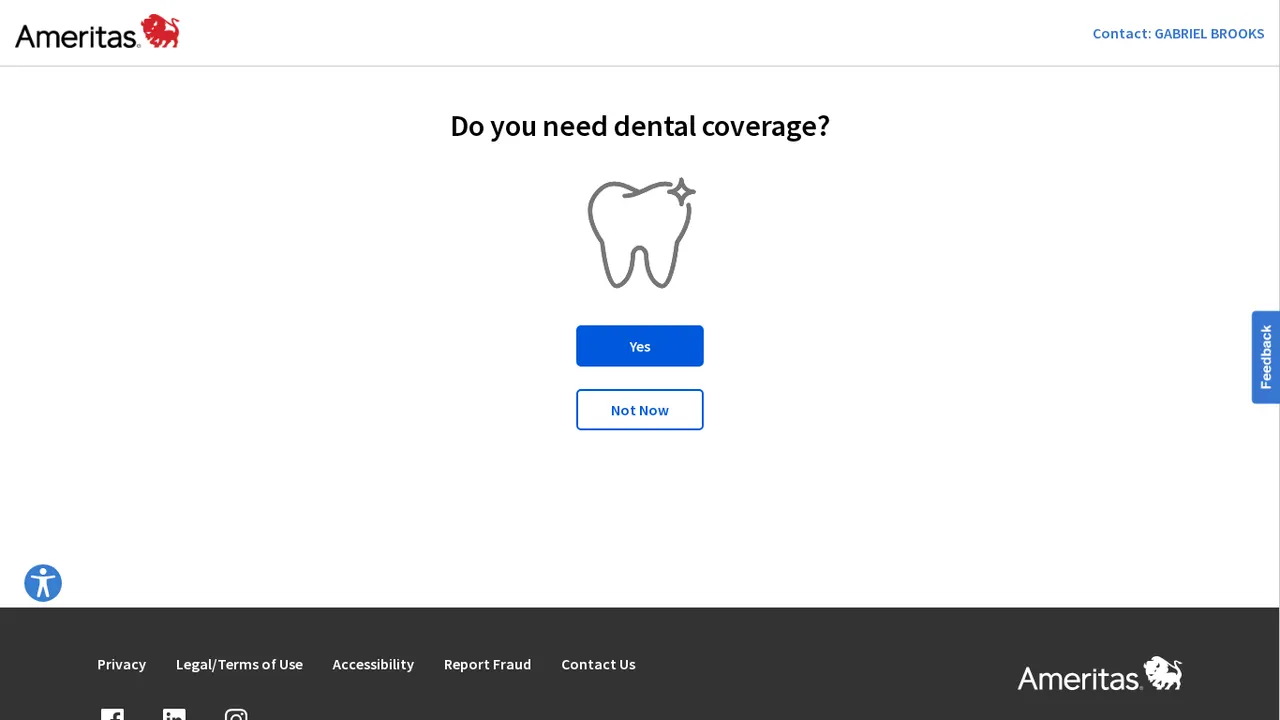
Step 2: Choose dental coverage
When asked if you need dental coverage, tap Yes.
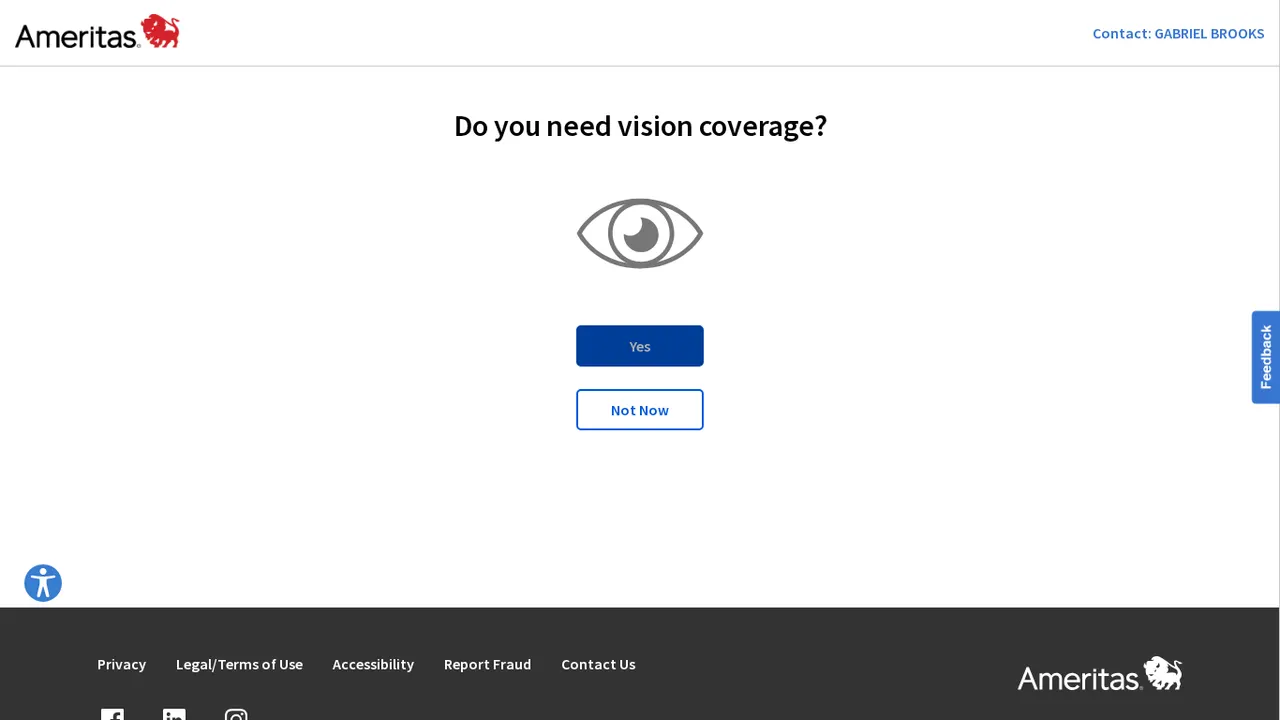
Step 3: Add vision or skip it
Add vision coverage if you want it, or tap Not Now to continue with dental only.
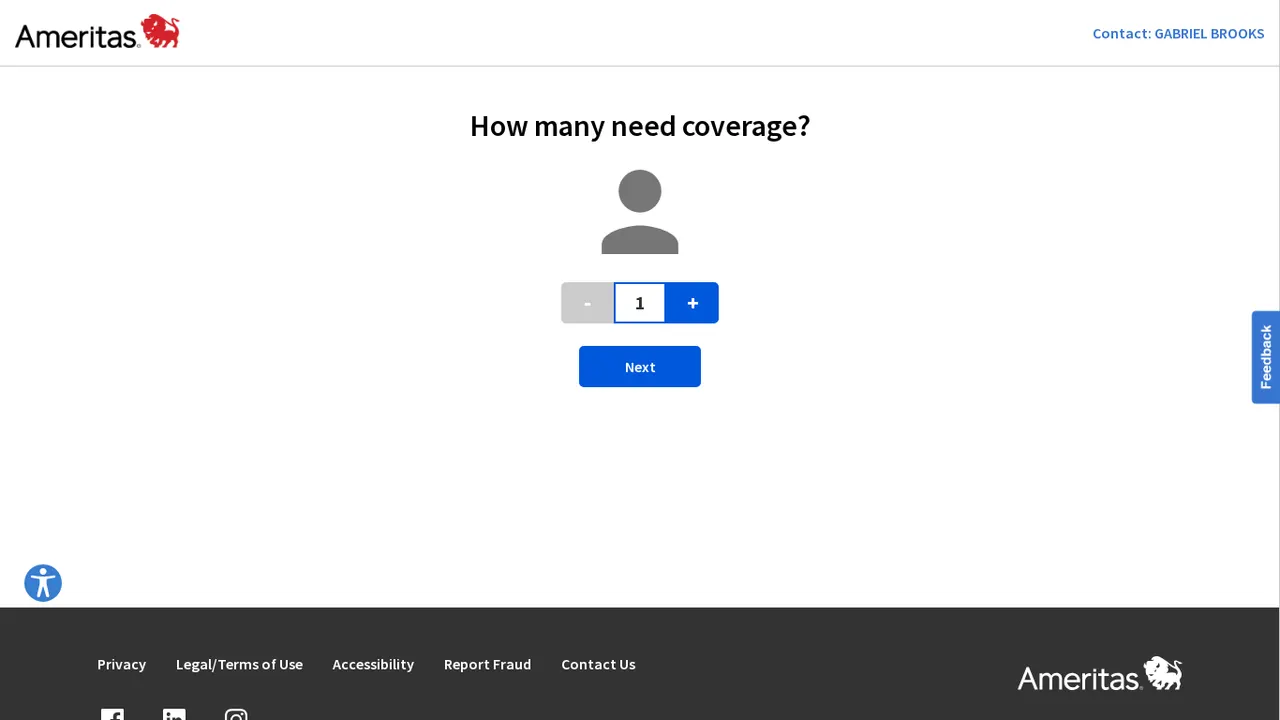
Step 4: Tell it who needs coverage
Choose how many people need coverage (you, a spouse, children) and tap Next.
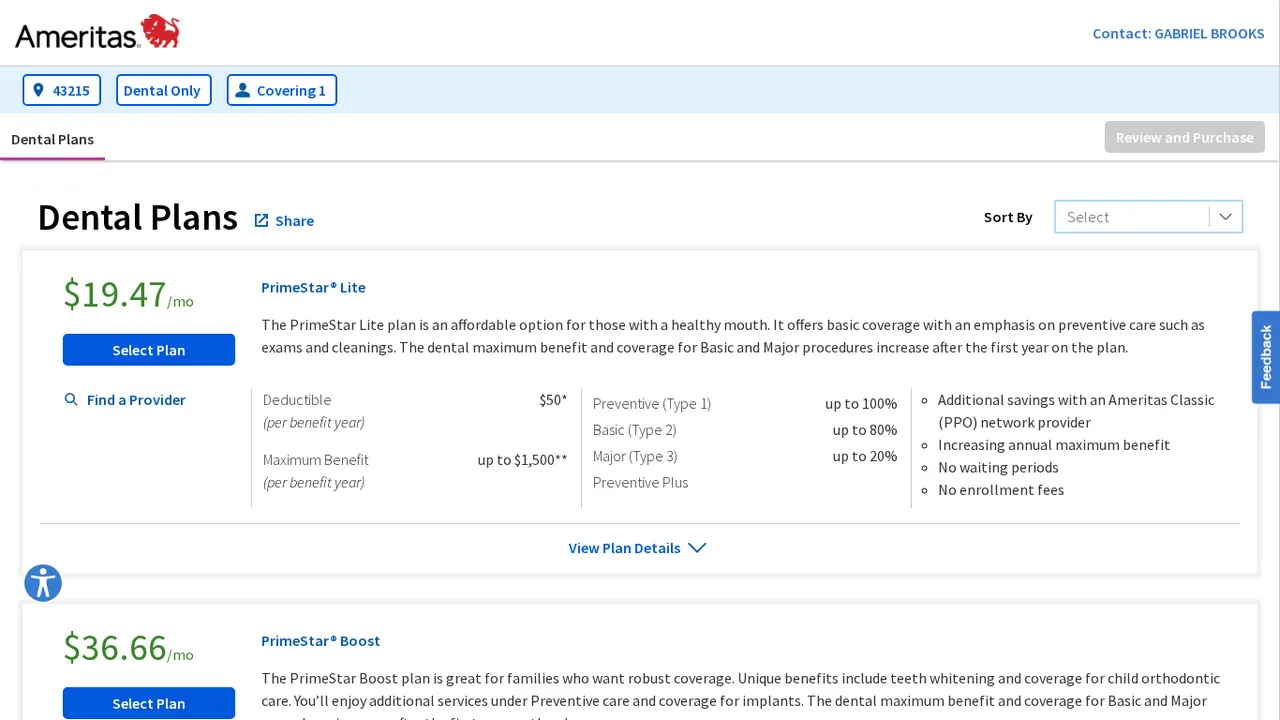
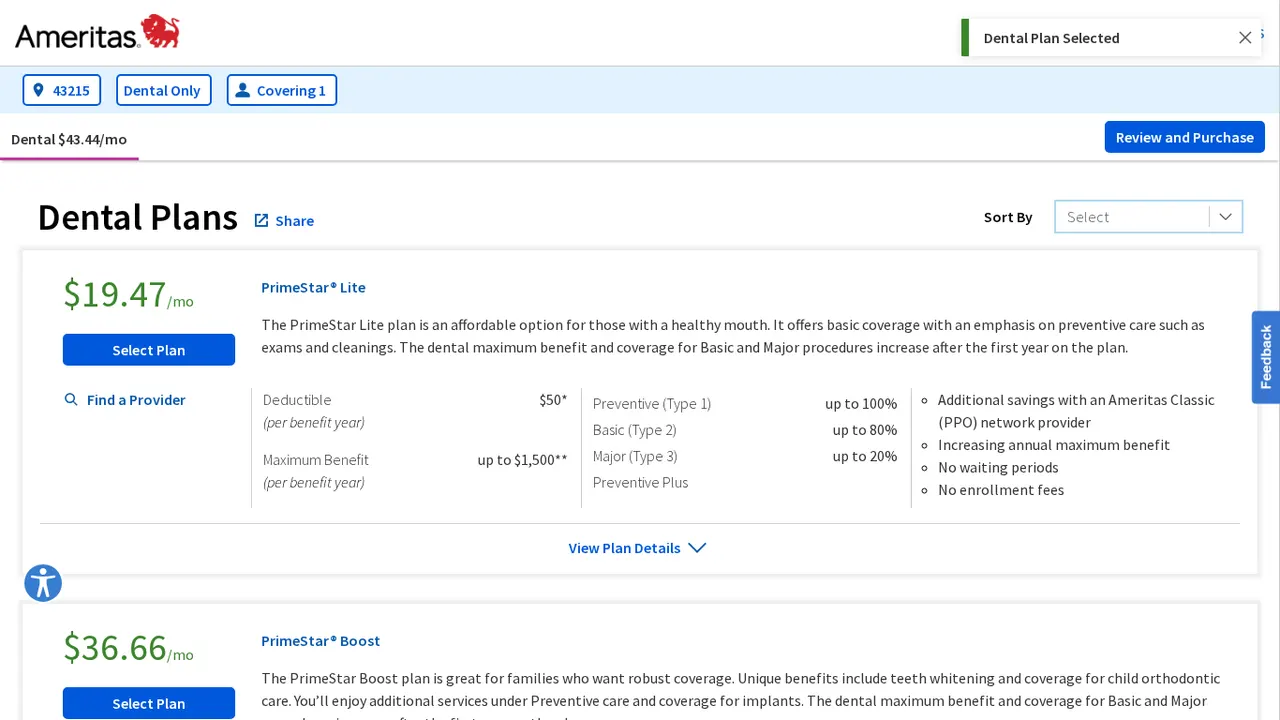
Step 5: Compare Lite, Boost and Complete
Compare the three PrimeStar plans side by side: annual maximum, coverage levels, implants, braces and price.
Step 6: Select your plan
Tap Select Plan on the one you want, then tap Review and Purchase.
Step 7: Review and finish the application
Check your plan and price, then complete the short application. Coverage can start the next day with no waiting period.
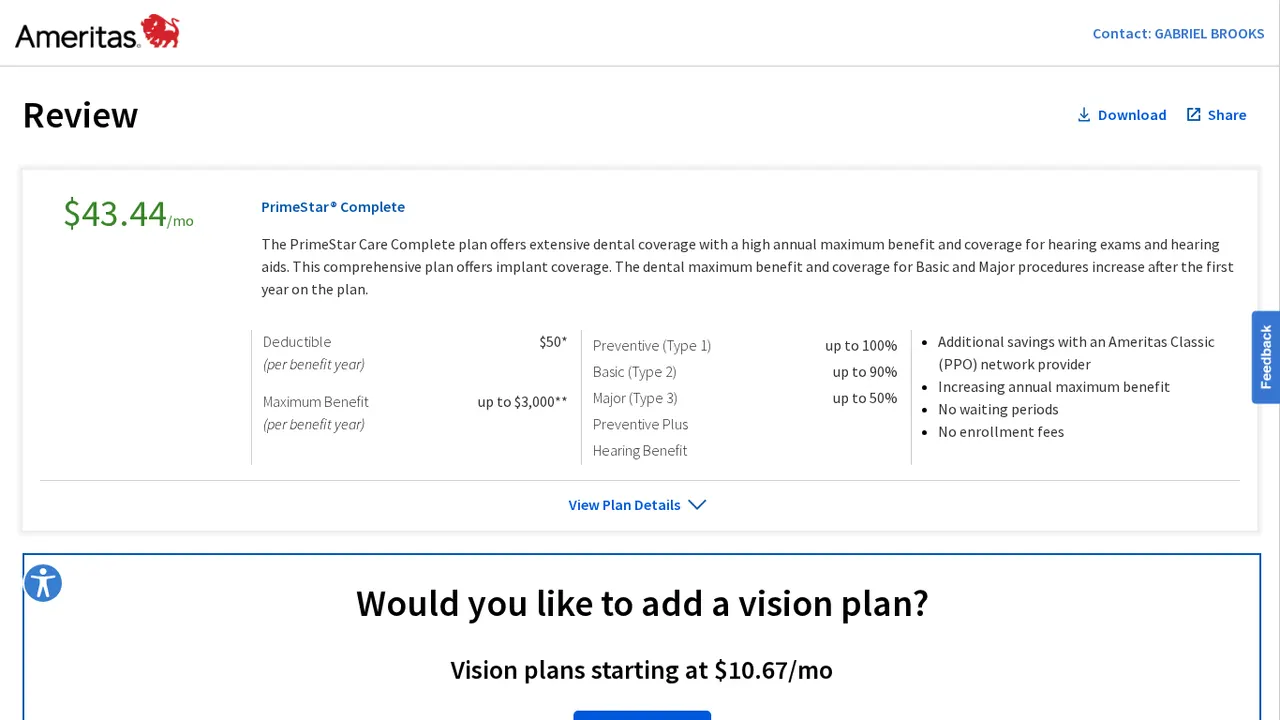
No enrollment fees, and no waiting periods on preventive, basic or major work. Screens may change slightly over time. Plans, costs and availability vary by state.